v0.7.1 — Copilot CLI now installs via npm
██╗  ██╗ ██████╗ ██████╗ ██████╗  █████╗     ██╗    ██╗███████╗██╗     
██║ ██╔╝██╔═══██╗██╔══██╗██╔══██╗██╔══██╗    ██║    ██║██╔════╝██║     
█████╔╝ ██║   ██║██║  ██║██████╔╝███████║    ██║ █╗ ██║███████╗██║     
██╔═██╗ ██║   ██║██║  ██║██╔══██╗██╔══██║    ██║███╗██║╚════██║██║     
██║  ██╗╚██████╔╝██████╔╝██║  ██║██║  ██║    ╚███╔███╔╝███████║███████╗
╚═╝  ╚═╝ ╚═════╝ ╚═════╝ ╚═╝  ╚═╝╚═╝  ╚═╝     ╚══╝╚══╝ ╚══════╝╚══════╝
        

Agentic Azure on
Windows + WSL

GitHub CLI, Copilot CLI, cloud-native CLI tools, Docker CE, and AI assistance—running natively in WSL2. From fresh Windows install to azd up in minutes.

Get Started Kodra Desktop

Windows Prerequisites

Complete these steps on Windows before running the installer in WSL

1

Windows Terminal

Modern terminal with tabs, split panes, and full Unicode support.

winget install Microsoft.WindowsTerminal
2

WSL2 + Ubuntu

Windows Subsystem for Linux with Ubuntu 24.04. Run in PowerShell as Admin:

wsl --install -d Ubuntu-24.04
3

Nerd Font

Required for terminal icons. Then set font in Terminal settings.

winget install DEVCOM.JetBrainsMonoNerdFont
4

VS Code + Extensions

Install on Windows. Required extensions: WSL, GitHub Copilot.

winget install Microsoft.VisualStudioCode

Prerequisites complete? Run this in Windows Terminal → Ubuntu:

Windows Terminal — Ubuntu (WSL)
$ wget -qO- https://kodra.wsl.codetocloud.io/boot.sh | bash
✓ Azure CLI + azd installed
✓ Docker CE configured for WSL2
✓ GitHub CLI + Copilot ready
✓ Shell configured with Oh My Posh

Done in 3m 45s — Run kodra doctor to verify, kodra repair to fix issues
See it in action

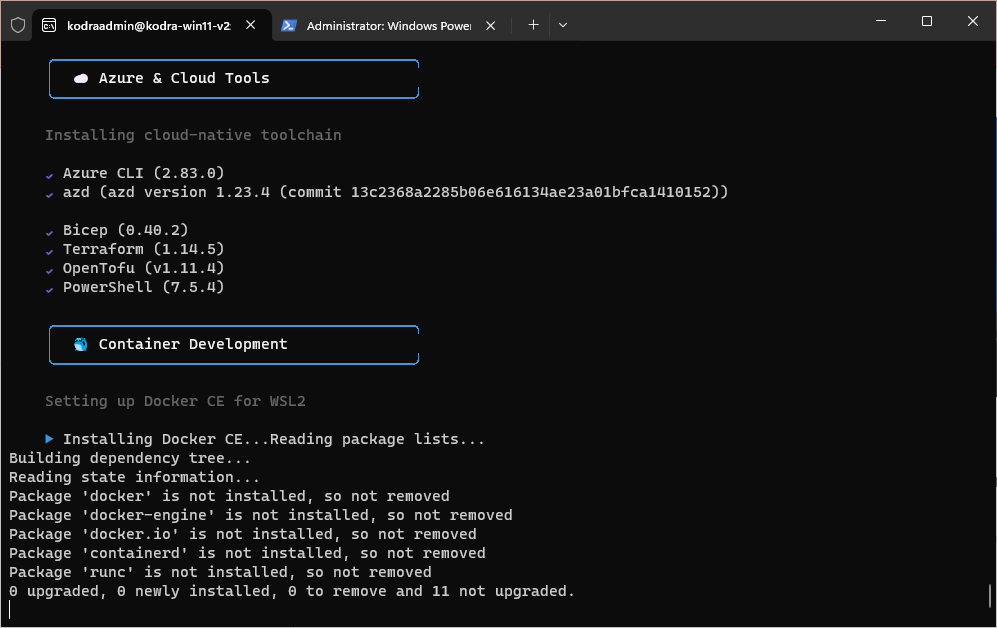
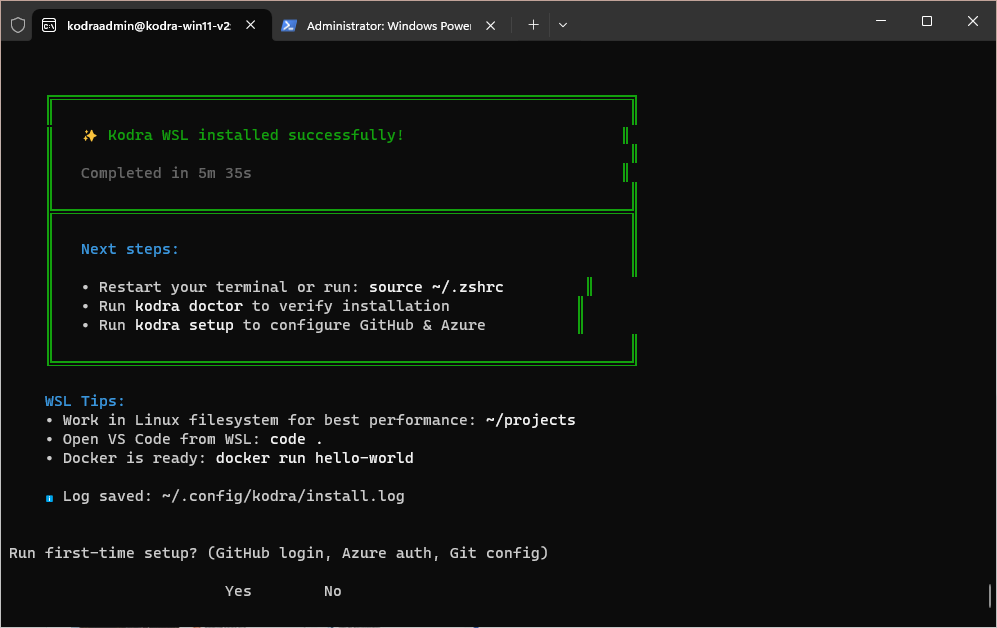
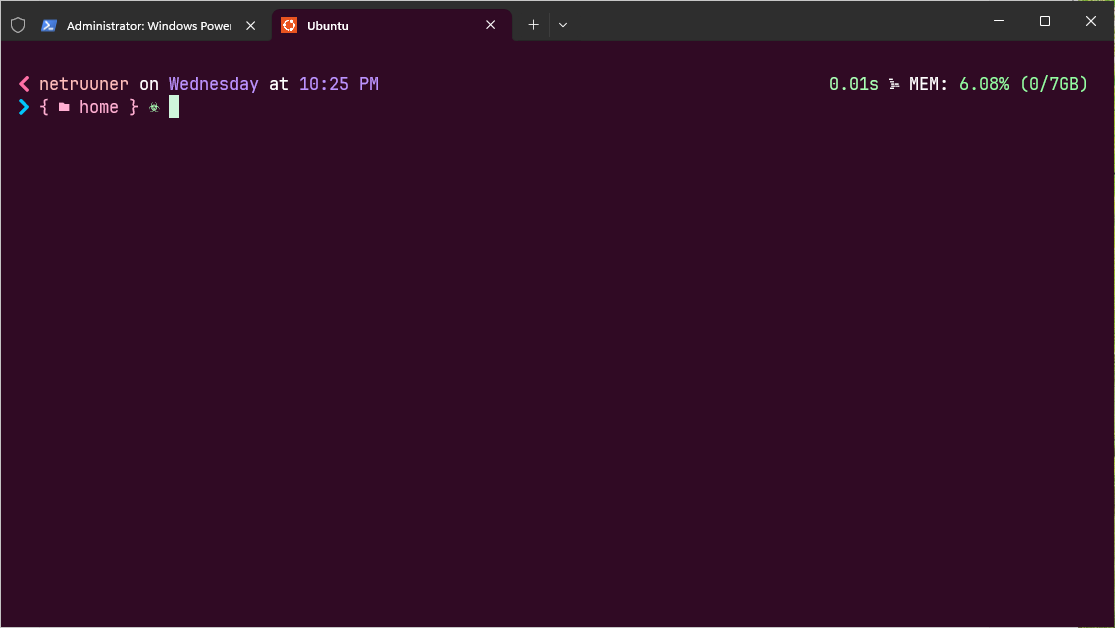
WSL Development Environment
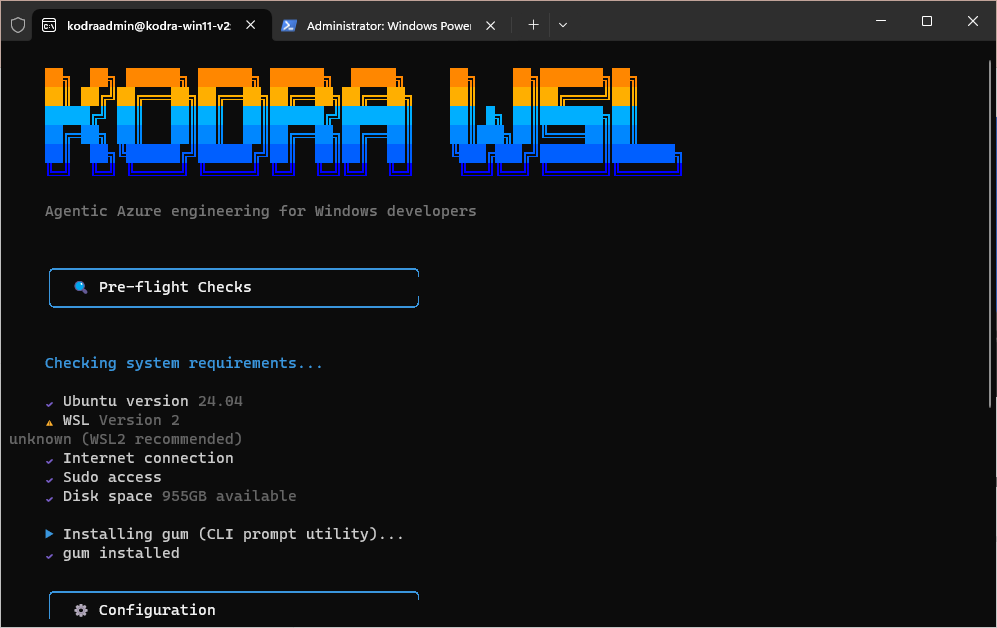
Click any screenshot to enlarge

Why WSL?

The best of both worlds: Windows for your desktop apps and WSL2 for Linux development. Native Docker performance, real Linux tooling, and seamless integration with VS Code.

Native Linux Performance Real Linux kernel via Hyper-V, not emulation. Docker runs at full speed.
No Docker Desktop License Docker CE runs free in WSL2—no licensing concerns for any organization size.
VS Code Integration Edit code in Windows, run in Linux. Dev Containers just work.
Same Tools as CI/CD Match your GitHub Actions environment locally. No more "works on my machine."
Supported
WSL2 + Ubuntu 24.04
Windows 11
Looking for native Ubuntu?

Kodra Desktop gives you full GNOME theming, Ghostty terminal, and window tiling on native Ubuntu.

CLI-first for WSL

All the tools you need for Azure development—optimized for the WSL environment.

☁️

Azure-Native

Azure CLI, azd, Bicep, Terraform, OpenTofu, and PowerShell 7—all configured and ready to deploy.

🤖

AI-Assisted

Copilot CLI for AI-assisted shell commands. Ask questions, generate code, explain errors.

🐳

Docker CE Native

Docker running directly in WSL2—no Docker Desktop needed. Free for all use cases.

☸️

Kubernetes

kubectl, Helm, and k9s for managing AKS clusters with style.

Modern Shell

Oh My Posh prompt (1_shell theme), Nerd Fonts support, and intelligent aliases.

Self-Healing

Built-in repair and doctor --fix commands auto-detect and resolve broken configs, missing tools, and stalled services.

�🔗

VS Code Integration

Seamless connection from Windows VS Code to your WSL environment.

Docker CE in WSL2

Native Docker performance without Docker Desktop licensing concerns.

🐳 Why Docker CE in WSL2?

Docker Desktop requires a paid license for organizations with more than 250 employees or $10M+ revenue. Kodra WSL configures Docker CE to run natively in WSL2—completely free.

💰
Free Forever No licensing fees, regardless of organization size
🚀
Native Performance Runs directly in Linux kernel, not through virtualization layers
💻
Lower Resource Usage No separate Docker Desktop app consuming RAM
🔧
CI/CD Parity Same Docker experience as your build pipelines

The complete CLI toolkit

25+ carefully selected tools, configured and auto-updated for WSL2.

Oh My Posh
☁️
Azure CLI
🚀
azd
💪
Bicep
🏗️
Terraform
🪨
OpenTofu
🐳
Docker CE
☸️
kubectl
Helm
🐙
k9s
🐱
GitHub CLI
🤖
Copilot CLI
🦇
bat
📂
eza
🔍
fzf
🔎
ripgrep
📊
btop
🎯
lazygit

Simple commands

Manage your setup with memorable commands.

kodra doctor Check system health & WSL status
kodra doctor --fix Auto-fix missing tools & broken configs
kodra repair Interactive repair (shell, Docker, WSL, PATH)
kodra repair --all Repair everything at once
kodra update Update all 25+ tools
kodra setup Re-run first-time setup
kodra fetch Show system info

Frequently Asked Questions

Common questions about Kodra WSL and Docker CE in WSL2.

Is Kodra WSL free? Yes, Kodra WSL is 100% free and open source under the MIT license. Docker CE is also free with no licensing restrictions.
Does it work on Windows 10 or only Windows 11? WSL2 works on both Windows 10 (version 2004+) and Windows 11. Kodra WSL is tested on Windows 11 but should work on Windows 10 with WSL2.
Do I need Docker Desktop? No! Kodra WSL installs Docker CE directly in WSL2. This is a free Docker Desktop alternative with no licensing fees for any organization size.
How is Docker CE different from Docker Desktop? Docker CE is the open-source Docker engine. Docker Desktop adds a GUI and requires paid licenses for companies with 250+ employees or $10M+ revenue. Docker CE in WSL2 is free for everyone.
What's the difference between Kodra WSL and Kodra Desktop? Kodra WSL is for Windows users via WSL2 (CLI only). Kodra Desktop is for native Ubuntu with full GNOME desktop theming and Ghostty terminal.
Can I use this for commercial projects? Yes! MIT license allows commercial use. Docker CE has no commercial restrictions unlike Docker Desktop.
Does it work with VS Code? Yes! Install VS Code on Windows with the WSL extension. Open projects from WSL with 'code .' for seamless integration.